
It happens more often than anyone admits: the card on file expired, the hosting renewal email went to an old address, and one day the site is gone. Sometimes the domain lapses too. If you don't have a backup, web archives may be the only copy of years of work. Here's how to get it back.
The recovery plan
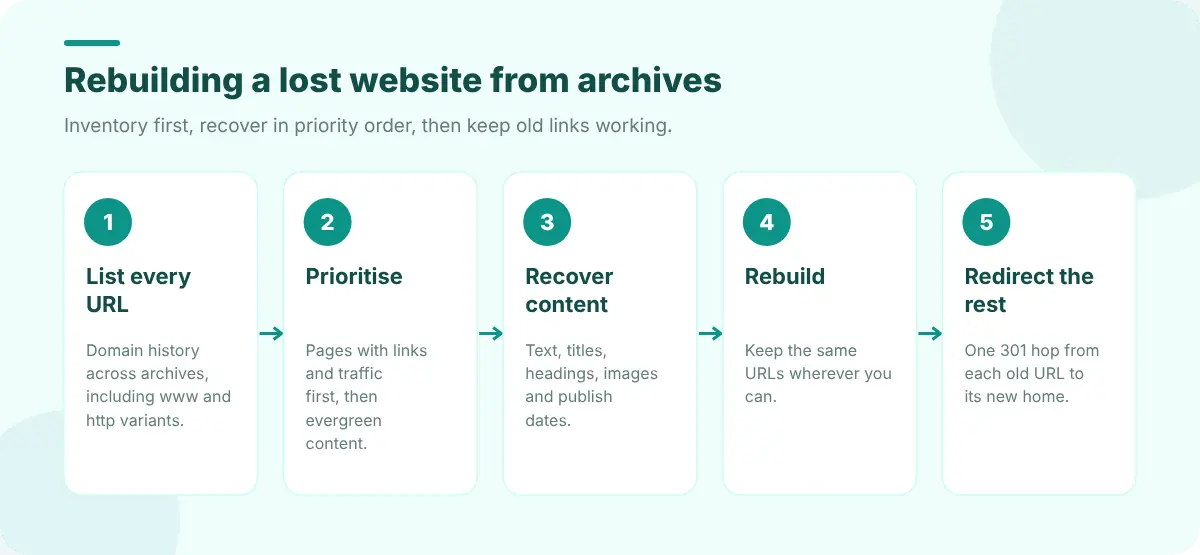
Step 1: List every page you had
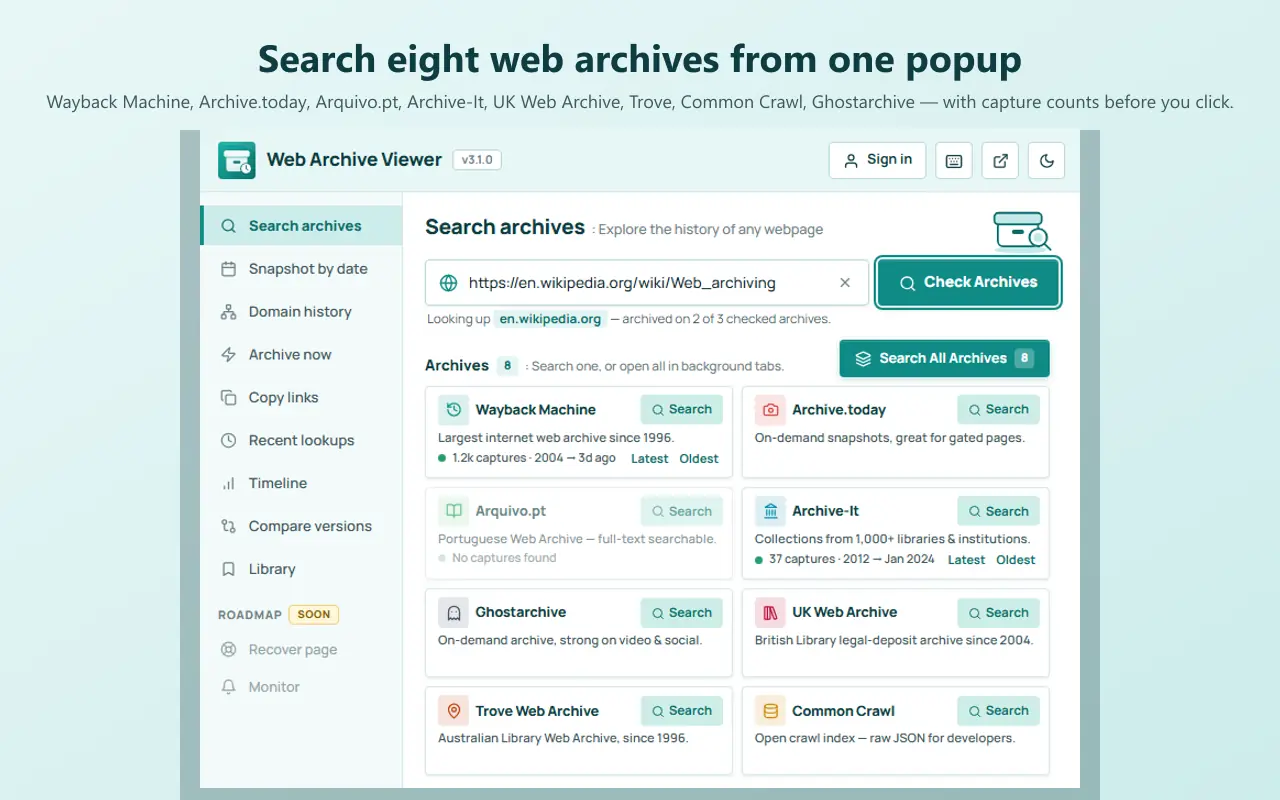
You can't recover what you can't find. Start with a full inventory of archived URLs under your domain, including variants: www and non-www, http and https. Archives index these separately. Web Archive Viewer's Domain history opens these lists on six archives with one click, and the Pro Full URL inventory collects up to 10,000 URLs with filters and a CSV export. The free method is in how to find every archived URL on a domain.
Step 2: Prioritise
Sort the list into tiers so the important work gets done first:
- 01Pages that earned links and traffic: popular posts, product pages, the home page.
- 02Evergreen content you'd want on the new site.
- 03Images and downloads (PDFs, guides) linked from those pages.
- 04Everything else, which you may decide to leave archived.
Step 3: Recover the content
For each page, open the most complete recent capture and save:
- The text. Copy it from the capture, or use a reader view. Web Archive Viewer's Pro Recover page ranks surviving captures (complete first, then most recent) and extracts the readable text as Markdown.
- The title, description and headings, so you keep the same SEO signals.
- The images. Right-click each image in the capture and open it on its own; see how to find old or deleted images if some don't load.
- The original URL and publish date. You'll need both to rebuild and redirect.
https://web.archive.org/web/2024id_/https://example.com/blog/my-post/id_ returns the page as originally served, without the archive toolbar or rewritten links, which makes copying the HTML easier.
Step 4: Rebuild
Paste the recovered content into a new CMS or static site, re-upload images, and, wherever possible, keep the same URLs. That preserves links from other sites and search rankings. Where the structure must change, write down the old-to-new mapping as you go.
Step 5: Redirect anything that moved
Every old URL that isn't at the same address should 301-redirect to its new home in a single hop. Web Developer Tools' guide to checking redirects and HTTP status codes shows how to test them. Then use Web Archive Viewer's Pro Bulk lookup (or a link checker) on your old URL list to confirm nothing is left returning 404. Our guide to fixing link rot covers the rest.
Never again: back up properly
- Turn on auto-renew for both domain and hosting, with a card that won't expire soon and a current email address.
- Keep automatic backups stored somewhere other than your host.
- Export your CMS content regularly.
- Use Archive now after major updates so public archives have a fresh copy too. See how to archive a web page permanently.
FAQ
Can I restore a whole website from the Wayback Machine?
You can recover most public pages, text and many images, but not databases, logins, server code or pages that were never captured. Plan on rebuilding the site and pasting the recovered content in.
My domain was bought by someone else. Can I still recover my content?
Yes, archived captures from before the change still exist. Recover your content from them and publish it on a new domain, with a note to visitors and updated links where you can.
Will I keep my search rankings?
Keeping the same URLs, or redirecting each old URL to its new address, gives you the best chance. Rankings can take time to return after a period of downtime.